Getting Started with Hytale Mods
Modding is a first-class feature in Hytale, supported from day one of Early Access. Whether you want to install mods on your server or start creating your own, this guide walks you through everything you need to know about Hytale's modding ecosystem.
How Hytale Modding Works
Hytale uses a server-side modding architecture. This is fundamentally different from most other games. All mod content, including custom entities, blocks, behaviors, and game logic, runs on the server. When a player connects to a modded server, the server automatically streams any necessary assets to the client during the connection process.
This means:
- Players never need to manually install mods. Everything downloads automatically when you join a modded server.
- No mod compatibility headaches for players. The server handles all mod management.
- Server owners have full control over which mods run and how they interact.
Types of Mods
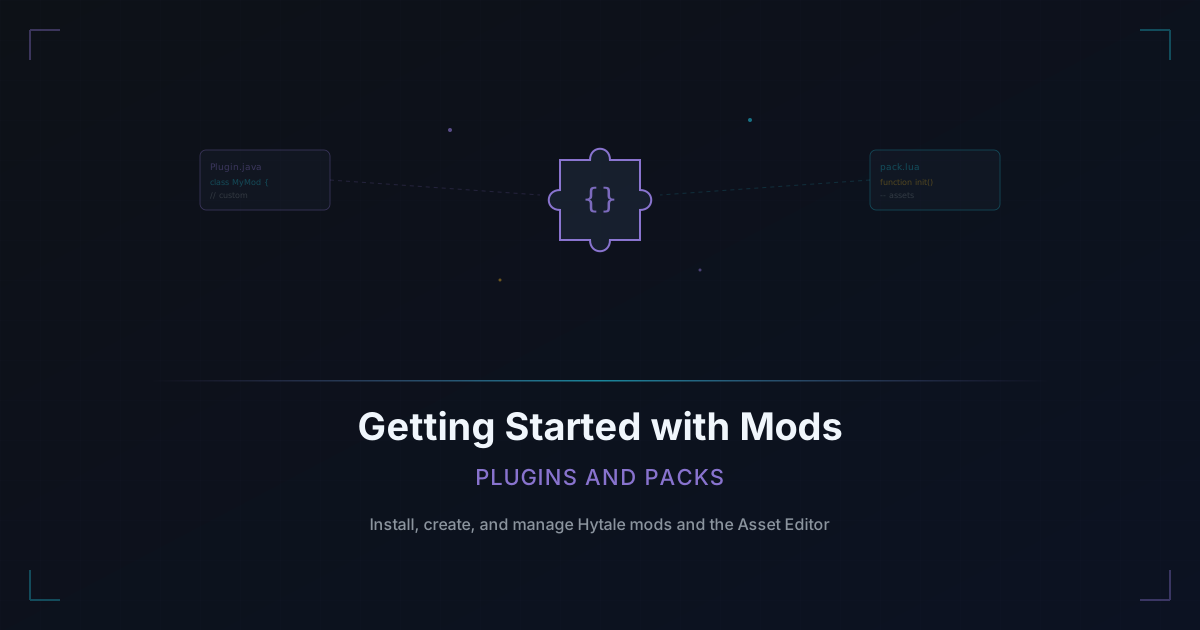
Hytale supports two main types of modifications:
Plugins
Plugins are written in Java using Hytale's server API. They extend the game's functionality on the code level and can add entirely new gameplay systems, commands, and mechanics.
What plugins can do:
- Add custom commands (like /home, /warp, /shop)
- Create new game modes and minigames
- Implement economy systems and virtual currencies
- Build permission and rank systems
- Add anti-cheat and anti-grief protections
- Modify combat mechanics, spawning rules, and world generation
Getting started with plugins:
- You need Java development experience (Java 25 is the server runtime)
- Use the official Hytale server API documentation as your reference
- Start small with a simple command plugin before attempting complex systems
- Test locally before deploying to a production server
Packs
Packs are content packages that add new assets to the game: blocks, mobs, items, textures, models, and behaviors. Packs can be created using the Asset Editor, Hytale's built-in content creation tool, without writing traditional code.
What packs can do:
- Add new block types with custom textures
- Create new creatures with custom models and behaviors
- Design new items, tools, and weapons
- Build custom decorative elements and furniture
- Define new crafting recipes
Getting started with packs:
- Download and learn the Asset Editor
- Start by modifying existing assets to understand the structure
- The Asset Editor supports Lua and JavaScript for adding custom logic and behaviors
- Packs are ideal for artists and designers who want to add content without deep coding knowledge
The Asset Editor
The Asset Editor is Hytale's built-in tool for creating and modifying game content. It provides a visual interface for:
- Model editing - Create and modify 3D models for blocks, items, and entities
- Texture painting - Design custom textures for your models
- Animation creation - Build animations for creatures and items
- Behavior scripting - Use Lua or JavaScript to define how custom entities behave
- World editing - Place and arrange custom content in test environments
The Asset Editor is powerful enough to create entire game modes from scratch without touching Java code. Many of the most popular community mods are packs built entirely in the Asset Editor.
Installing Mods on Your Server
Adding mods to your Hytale server is straightforward:
For Plugins:
- Download the plugin
.jarfile from a trusted source - Place it in your server's
plugins/directory - Restart the server
- Configure the plugin via its generated config files in the
plugins/folder - Restart again if you changed configuration values
For Packs:
- Download the content pack
- Place it in your server's
packs/directory - Restart the server
- The pack's content will automatically stream to players when they connect
Important Notes
- Always back up your server before installing new mods
- Test mods on a development server before deploying to production
- Check mod compatibility, especially with other plugins that modify the same systems
- Keep mods updated when new Hytale versions release
CurseForge and the Mod Workshop
Hypixel Studios has partnered with CurseForge as the official platform for Hytale mod distribution. A dedicated Mod Workshop is expected to launch in March 2026, which will provide:
- A centralized library for discovering and downloading mods
- Version tracking and automatic update notifications
- Ratings and reviews from the community
- Easy installation tools for server owners
Until the Workshop launches, mods are shared through community forums, Discord servers, and the CurseForge platform.
The Hytale Modding Community
The modding community has been active since day one of Early Access:
- The first Hytale Mod Jam has already concluded with a $4,000 prize pool and impressive entries from community creators.
- CopenJoe was named the official Modding Ambassador, bridging the gap between Hypixel Studios and the modding community.
- Hypixel Studios has committed to releasing the server source code once legally able, which will give modders even deeper access to the game's systems.
Where to Find Mods
- CurseForge - The official mod distribution platform
- Hytale community Discord servers - Many modders share early versions and works-in-progress
- Hytale forums and subreddits - Community discussions about popular mods and recommendations
Tips for Server Owners
- Start with essentials. Anti-grief, basic commands, and permission management are the foundation. Add gameplay mods after your server infrastructure is solid.
- Do not overload your server. Each plugin and pack consumes resources. Monitor performance after adding new mods and remove anything that causes issues.
- Curate your mod list. A focused selection of mods that support your server's theme is better than dumping every available mod onto your server.
- Keep mods updated. Outdated mods can cause crashes or security vulnerabilities after Hytale updates.
- Communicate with players. Let your community know when you add or remove mods. Sudden changes without notice frustrate players.
Getting Into Mod Development
If you want to create your own mods:
- Start with packs using the Asset Editor. It has a lower barrier to entry than Java plugin development.
- Read the documentation. Hytale's modding docs and community-maintained wikis are your best learning resources.
- Join modding communities. Discord servers dedicated to Hytale modding are full of experienced creators willing to help newcomers.
- Study existing mods. Download open-source packs and plugins to see how they are structured.
- Start small. Your first mod should be simple. A custom block, a basic command, or a reskinned creature. Build complexity gradually.
- Test constantly. Mod bugs can crash servers and corrupt worlds. Test every change before deploying.
The Hytale modding ecosystem is still young, which means there is enormous opportunity for early creators to build popular mods and establish themselves in the community. The tools are accessible, the community is welcoming, and the game is designed to support exactly this kind of creativity.
Start building.